Hubbo Foto – a black-and-white camera for iPhone
“I want to shoot black & white.”
Hubbo Foto is a camera app that only photographs in black and white. You see the world in greyscale already in the viewfinder, exactly as the picture will turn out. Choose a film, a colour filter or grain and you see it on screen straight away, not afterwards at the computer.
The app is made for anyone who wants to photograph with feeling and simplicity, inspired by classic black-and-white photography and the Leica way of working.
Watch the film
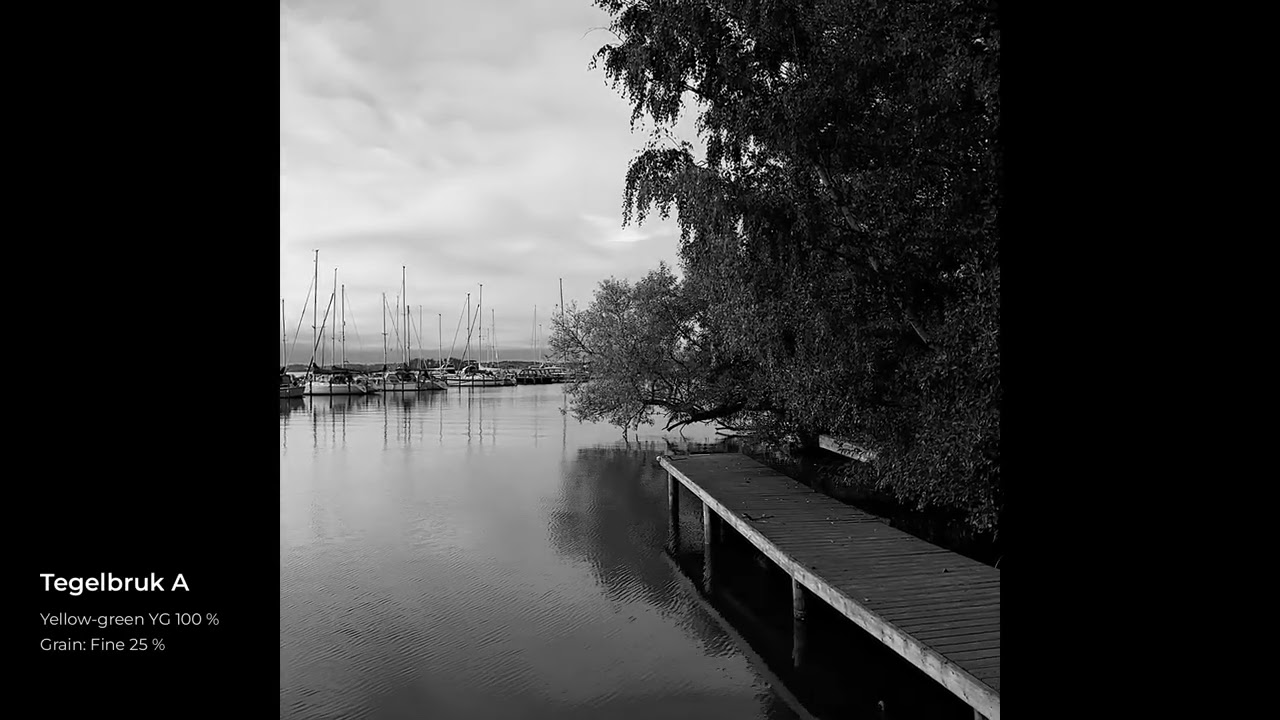

Everything in the film was shot with Hubbo Foto in Västerås and Stockholm between 30 September and 4 October 2026. Each clip shows the settings it was made with.
What the app does
- Black-and-white viewfinder with the chosen look, film or Hubbo profile applied live
- 23 film emulations, six colour filters, grain and halation
- Ansel Adams’ zone system: tap a surface and place it in the zone you want
- Zone focus with Near, Street and infinity, like on a street camera
- Six recipes of your own, C1 to C6, with your favourite settings
- A film roll of 24 or 36 exposures, developed into a contact sheet
- Manual exposure, night mode, portrait mode, double exposure and video
- An optional border below the picture with focal length, aperture, shutter speed, ISO and film
- An Info button in the gallery showing the picture’s settings and camera data, read straight from the file
Manual
The app is being tested
Hubbo Foto is in testing through Apple TestFlight, and you are welcome to join.
Open the link on your iPhone. You need Apple’s free TestFlight app and iOS 17 or later. The app collects nothing about you, and your pictures stay in your own photo library.
Worth knowing: a test build lives for 90 days. A new version arrives before it runs out, for as long as the testing continues. If the app one day stops working, it is because the test period has ended, not because something broke. By then it is time for the real App Store version, and I’ll be in touch before that happens.
Tip: Open TestFlight, tap Hubbo Foto and turn on Automatic Updates. You will then get every new version straight away, without having to tap Update.
- Open TestFlight on your phone.
- Tap Hubbo Foto.
- Scroll down and turn on Automatic Updates.
Questions or feedback? Get in touch.
Privacy
The app collects nothing and sends nothing on. It needs access to the camera, to the microphone for video and to Photos in order to save. All settings stay on the phone.